Thailand Cashless Spending: How I Use PromptPay and Mobile Banking to Control My Daily Money
Advertisement
A practical look at how PromptPay, mobile banking apps and simple weekly habits can help you track and control everyday spending in Thailand without the stress.
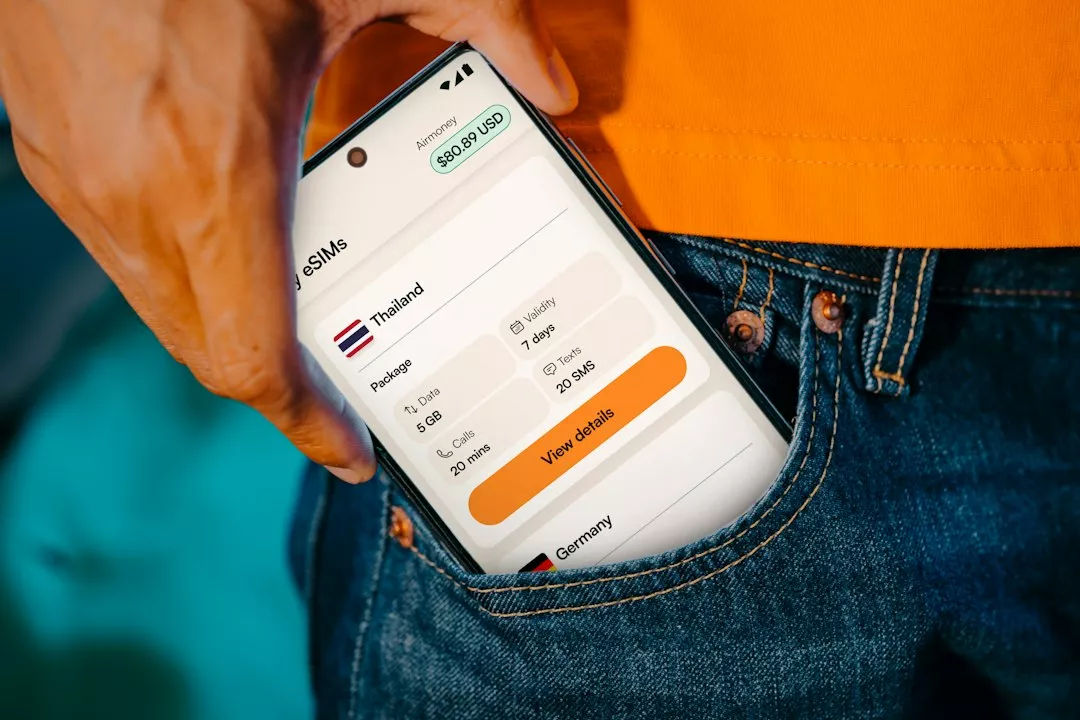
The first time I realised how much I was spending in Thailand, it was not because of a big purchase. It was a Friday evening, scrolling through my banking app, when I noticed dozens of tiny transfers: a coffee here, a street food dinner there, a shared taxi, a friend's birthday contribution. Individually harmless, together surprisingly heavy. That moment pushed me to rethink how I use PromptPay and my bank apps, not just to pay, but to actually understand where my baht goes.
This article is a practical walk through how I use Thailand's everyday payment tools as a spending-control system rather than just a convenience. None of it requires spreadsheets or special software, only a few settings and some habits.
Why Thailand Is Perfect for Tracking Spending Digitally
Thailand moved to cashless payments faster than many people expected. PromptPay, the national instant payment system supported by the Bank of Thailand, lets you send and receive money using a mobile number, national ID or a QR code. Most major banks plug into it, which means a transfer from one bank app to another typically lands within moments.
The side effect nobody talks about is that every one of those payments leaves a digital trail. When you pay a noodle vendor by scanning their QR code, that transaction appears in your statement with a timestamp and often a merchant name. Compared with cash, which disappears without a record, this is a gift for anyone who wants to understand their habits.
The catch is that the trail only helps if you actually look at it. For years I had the data and ignored it. The change came when I decided to turn the apps I already used into a simple monitoring routine.
Step One: Separate Your Money Before You Spend It
The biggest improvement I made had nothing to do with technology. I opened a second savings account at a different bank from my salary account and used it purely for daily spending. Kasikornbank (KBank), SCB and Krungthai all offer basic accounts that work smoothly with their apps, and Bangkok Bank is another common choice. Which one suits you depends on where you already bank and what the current account conditions are, so check the bank's own fee schedule before deciding.
My salary lands in the main account. A fixed transfer, set up inside the banking app, moves a set amount into the spending account right after payday. That amount is my budget for the month, and once it is gone, it is gone. Because the spending account is the one linked to my PromptPay ID and my QR payments, I always know I am spending from a limited pool rather than from everything I own.
This echoes the idea I described in paying yourself first and automating savings before the month eats your salary. The principle is identical: decide the split once, automate it, and stop relying on willpower at the checkout.
Step Two: Use PromptPay Intentionally
PromptPay is wonderfully frictionless, and that is exactly the danger. When paying costs nothing in effort, it is easy to forget it costs something in money. I keep a few rules to put a little friction back where it matters.
Check the transfer rules with your own bank
Banks set their own limits and fee conditions for PromptPay transfers, and these have changed over time. Rather than trusting what someone told me years ago, I read the current terms inside my bank's app and on the bank's official website. Doing this once avoids nasty surprises, especially if you ever move larger amounts.
Be careful with QR codes and requests
Scam attempts using fake QR codes and urgent payment requests are a known problem, and the Bank of Thailand regularly publishes warnings on its website. My habit is simple: I only scan a QR code I can see being generated at a real merchant, and I never send money to a number I cannot verify. If a stranger sends a link asking me to confirm a transfer, I ignore it and open the app directly.
Use the transaction name as a pause button
Before confirming a payment, most apps show the recipient name. I make a point of reading it every time. It takes two seconds and has saved me from at least one mistyped number.
Step Three: A Ten-Minute Weekly Review
Every Sunday evening I open my spending account and scroll through the week. I am not auditing, only noticing. Where did the money actually go? Usually three patterns show up: food delivery that crept up, small recurring subscriptions I forgot about, and spontaneous transfers to friends that I never tracked.
Most Thai banking apps let you filter transactions by date or search by keyword, and some offer built-in spending summaries. The exact features differ between KBank, SCB, Krungthai and others, and they update their apps regularly, so explore what your own app offers rather than assuming. If your bank does not categorise spending, a simple note on your phone with four rough buckets (food, transport, social, other) is enough.
The key is consistency, not precision. I would rather have a rough picture every week than a perfect one once a year. If you want a deeper framework for splitting income across accounts and wallets, I wrote about a similar approach in splitting your salary using local banks and e-wallets without spreadsheets, and the logic transfers well to Thailand.
Step Four: Give Credit Cards a Clear Job
Many people in Thailand also carry credit cards from issuers such as KBank, SCB, Krungthai or KTC. My rule is to use a card only for purchases I would have made anyway and that I can pay off in full when the statement arrives. The moment I start using a card to bridge the gap between payday and rent, the system has failed.
If you are building or repairing your credit profile, it helps to understand how scoring works in practice. I covered the basics in how credit scores work and what consumers really need to know. In Thailand, the national credit bureau handles credit reports, and you can request your own report through its official channels. Reviewing it occasionally is a healthy habit, much like reviewing your bank statement.
Always read the issuer's current terms for interest, late fees and minimum payments on the bank's own website, since these vary by card and change over time. I deliberately avoid quoting numbers here because the right figures are the ones printed on your own agreement.
Step Five: Build a Small Buffer Into the System
Even with a tight budget, life produces surprises: a phone repair, a medical visit, a last-minute trip home. I keep a modest buffer in the spending account that I treat as off limits for normal purchases. It is not an emergency fund, only a cushion that prevents me from dipping into my main savings every time something small goes wrong.
For the larger safety net, the principles are universal even though the country differs. I explained where to keep it so that it earns something in my guide to emergency funds, and the same logic applies to a Thai savings account: keep it separate, keep it accessible, and compare current rates directly on your bank's official page before choosing.
What I Would Tell a Friend Starting Today
If you live in Thailand and want more control over your money, you do not need a new app or a complicated plan. You need three things: a separate spending account, an automatic transfer on payday, and ten minutes a week to look at where the money went. PromptPay and your existing bank app already do the heavy lifting.
Start small. This week, open your banking app, scroll through the last seven days, and write down the three purchases that surprised you. That tiny exercise often reveals more than any budgeting book. From there, the habits build on themselves, and the tools that once made it too easy to spend become the tools that help you stay in charge.

James Mitchell
Financial journalist covering Australian and New Zealand banking.